

Quick Look, supercharged
Press Space on any folder or archive and instantly see what’s inside — no double-clicking, no extracting, no apps to launch. FolderPlus turns Quick Look into a real folder & archive browser.

macOS 15.4+ · Universal · 1.6 MB · One-time purchase
See it in motion
Watch FolderPlus preview folders, browse image galleries, peek inside archives, and copy paths — all from the Space bar.
What you get
One lightweight extension that makes folders and archives readable at a glance.
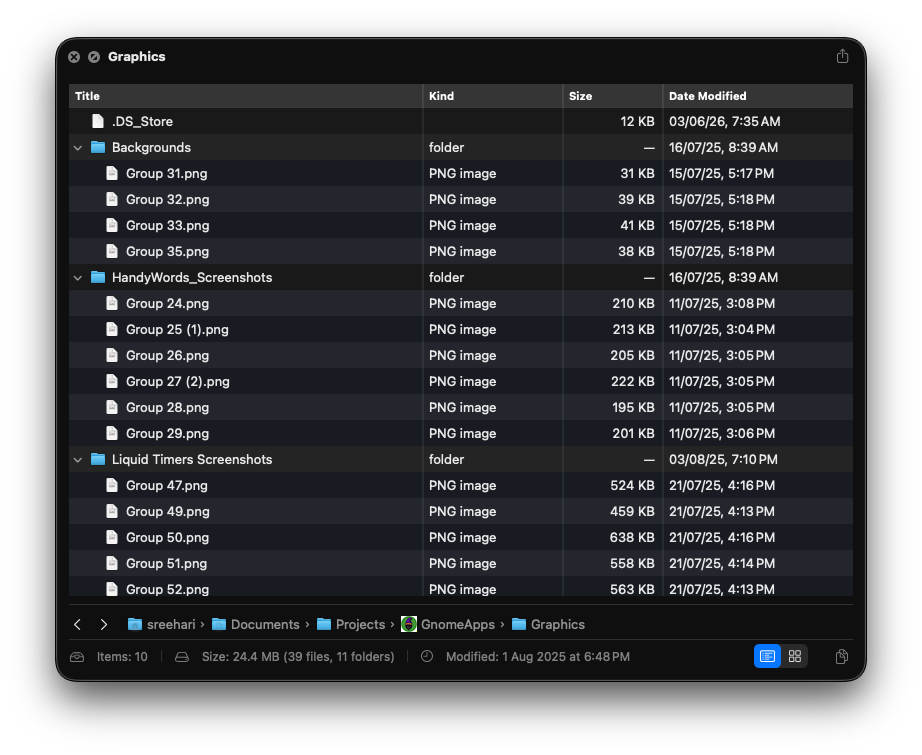
Folder preview
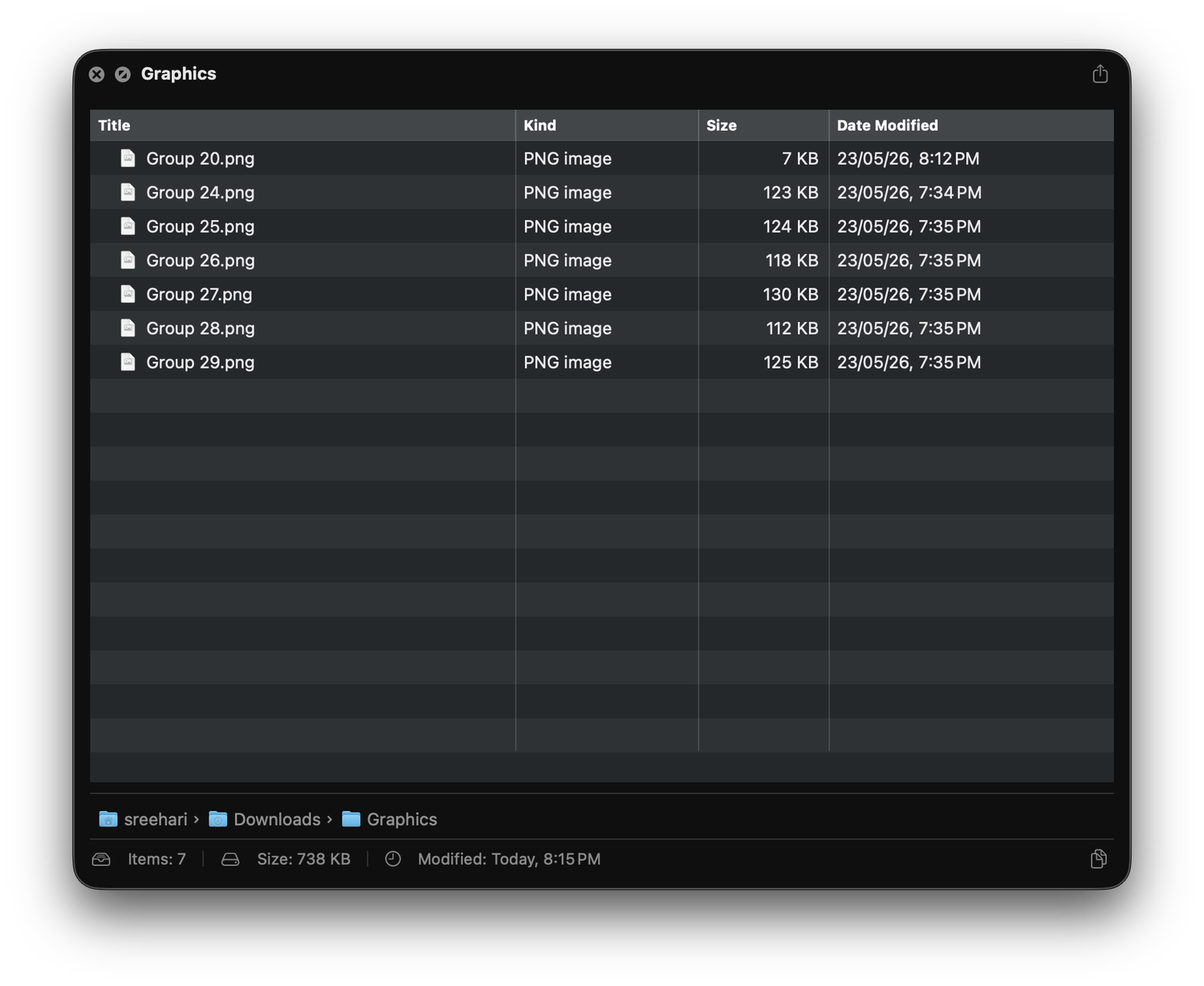
A Finder-style tree right inside Quick Look. Expand nested folders, read names, sizes, kinds and dates, and sort by any column — without ever opening a window.
Gallery view
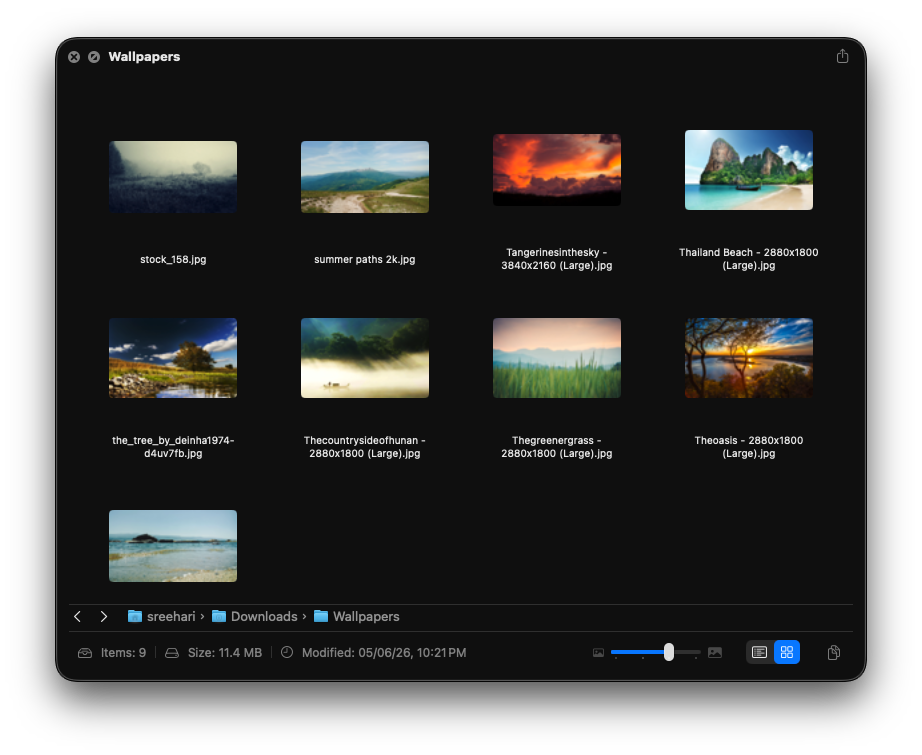
Image-heavy folders switch to a thumbnail gallery automatically. Scrub the size slider, drill into subfolders, and preview any file in the side pane.
Archive browser
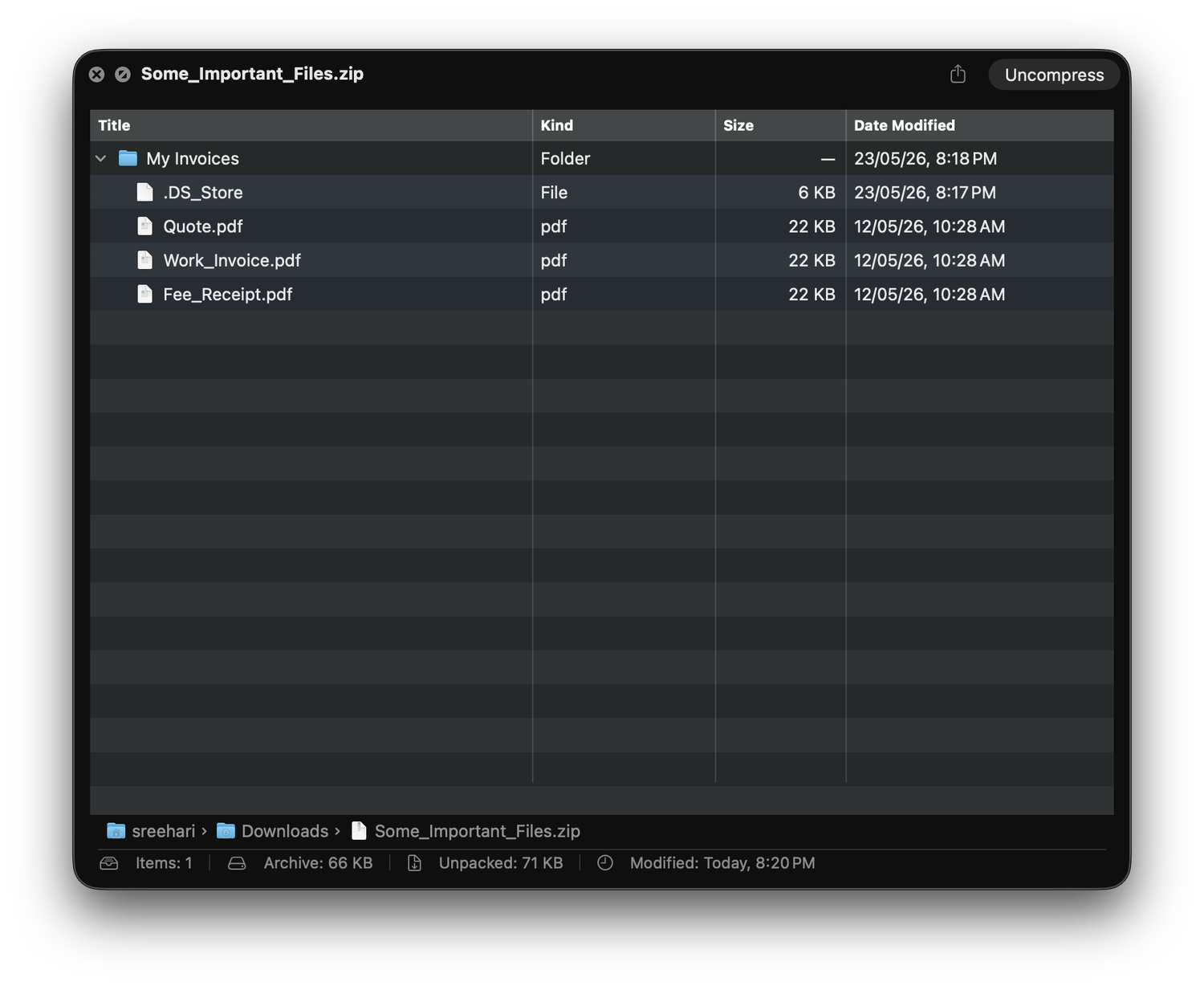
Peek inside ZIP, TAR, 7z and RAR without extracting a single file. Walk nested folders, check sizes and dates, and decide before you unpack.
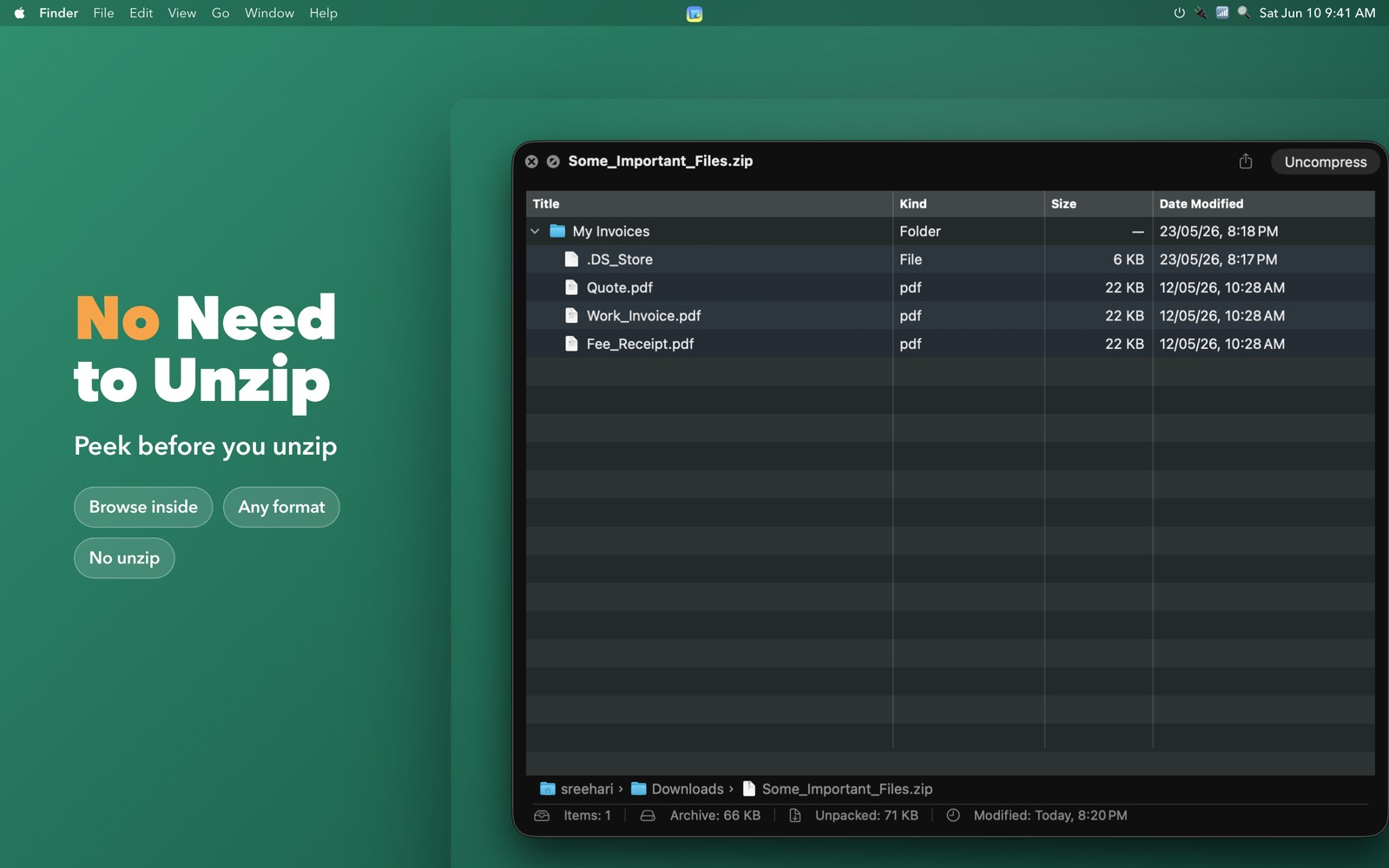
No unzip needed
Stop extracting archives just to find one file. FolderPlus reads the contents in place — and when an archive is locked, it asks for the password and opens right up.
Built for macOS
Native AppKit and SwiftUI, full keyboard navigation, context menus and customizable columns. It looks and behaves exactly like the Mac you already know.
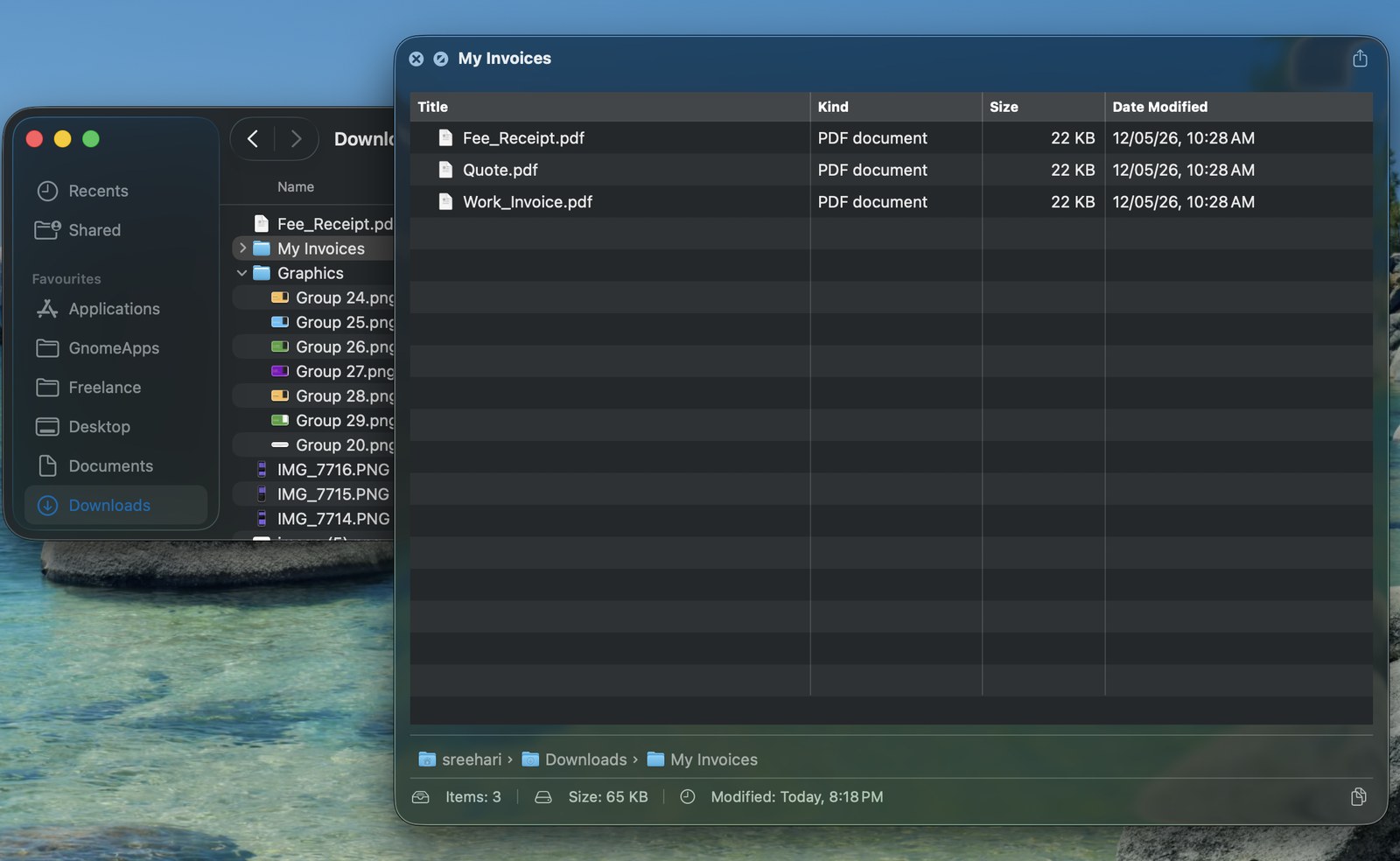
Wide format support
Browse the contents of every common archive format — no extraction, no extra tools.
Privacy first
No accounts, no analytics, no network. The way Mac software should be.
No tracking, no telemetry, no account. The developer collects nothing — ever.
Not a single network request. FolderPlus works exactly the same on a plane.
App-sandboxed with read-only access. It looks, it never touches your files.
Add superpowers to the Space bar. One-time purchase — no subscription, ever.